Narrow screens
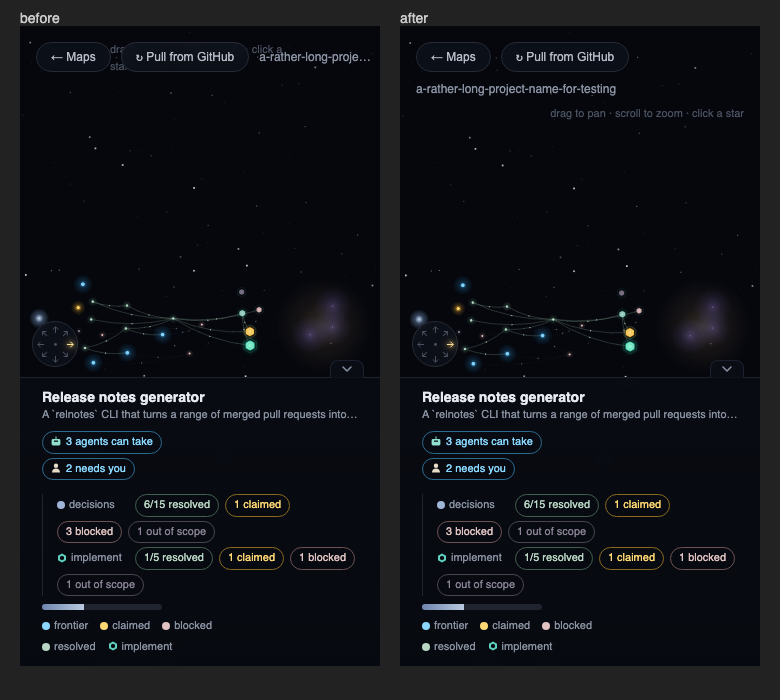
The viewer stays usable in a narrow window or a docked side panel.
Status bar
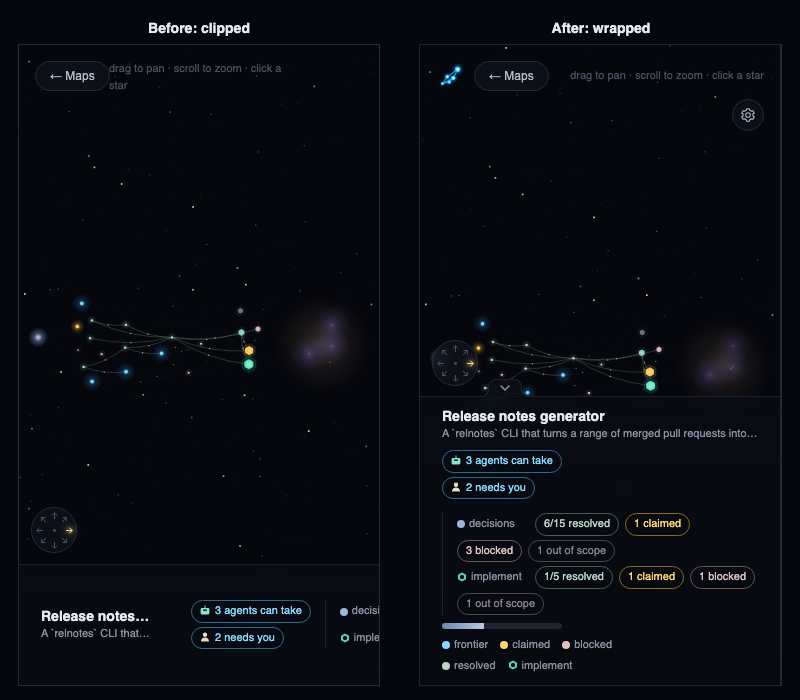
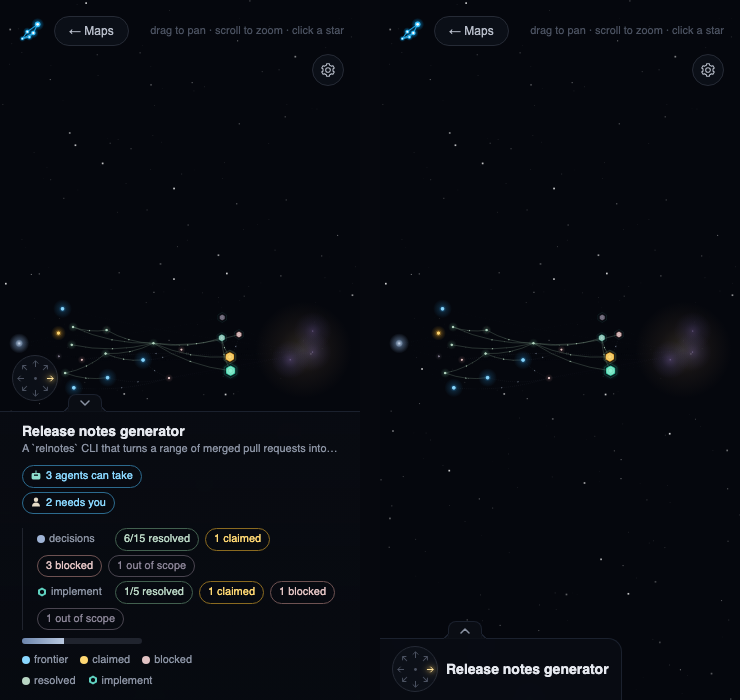
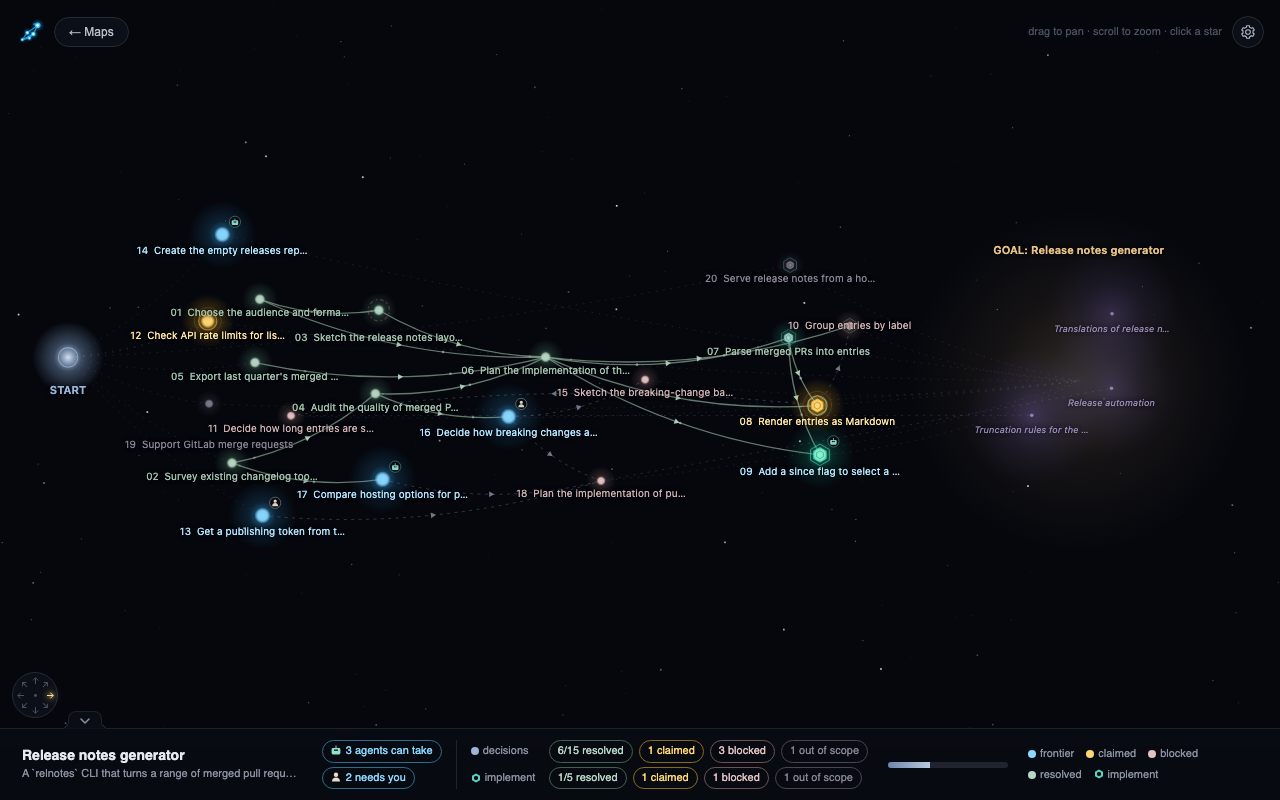
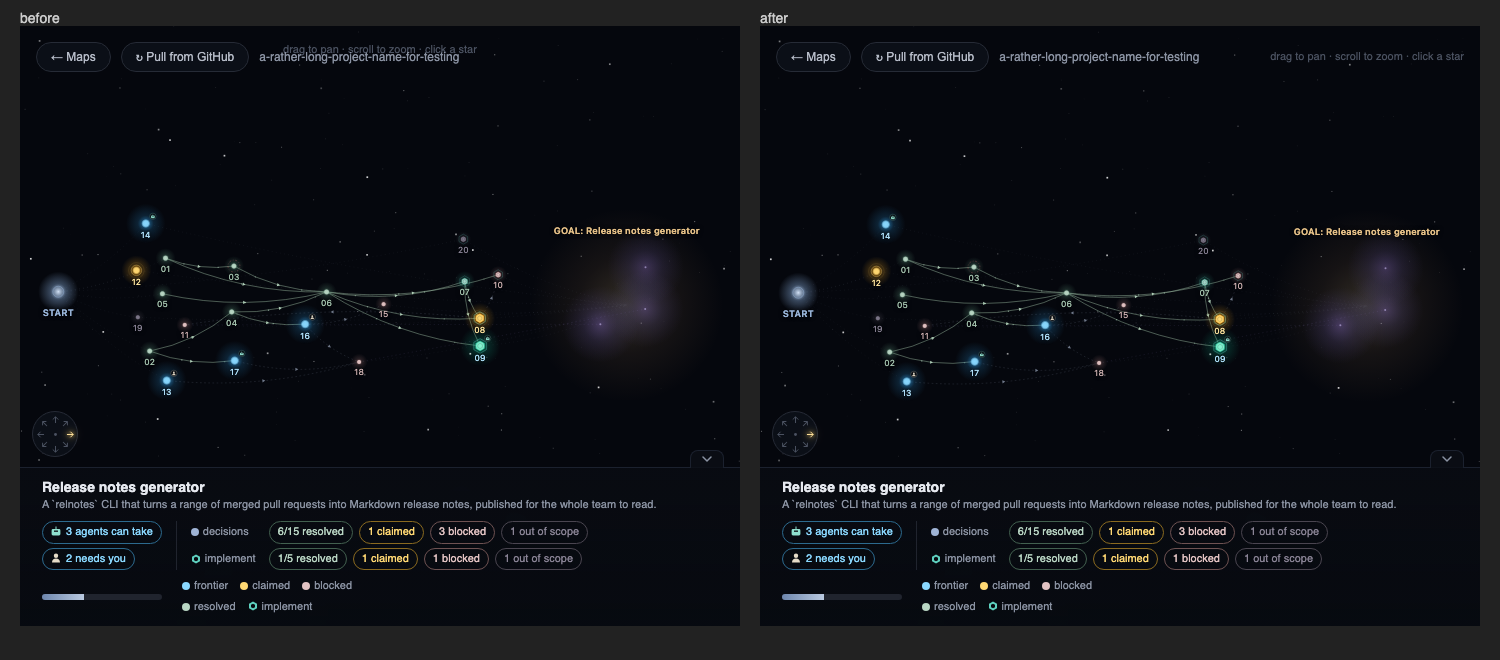
The bottom status bar wraps onto extra rows instead of running off the edge, so the title, counts, progress bar and legend all stay visible.
Collapsing the status bar
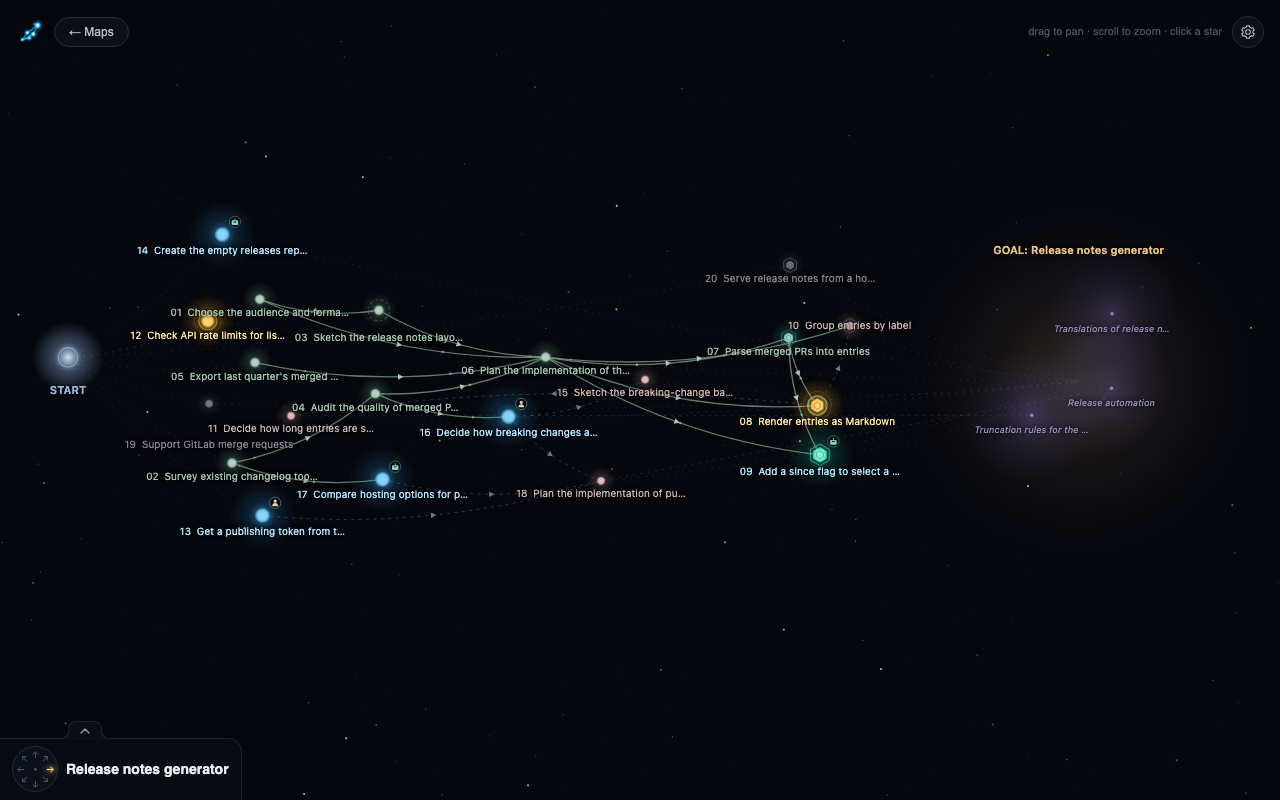
The small arrow tab on the bar's top edge, right of the compass, collapses the bar into a bottom-left corner holding the compass and the map title (cut off with "..." after 24 characters), so the map gets the full width back. The tab stays beside the compass, on the top edge of the bar or the corner, on wide and narrow screens alike. Click it again to expand the bar, and the choice is remembered.
Top bar
The Maps and Refresh buttons, the project name and the hint share a single bar that wraps onto extra rows instead of overlapping, and it gives way to the detail panel when that opens.
For a tall column, point the compass south.