Settings menu
The gear button at the right end of the top bar opens a small popover for viewer toggles. It unfolds out of the gear, and folds back into it when closed. Click outside it or press Escape to close it.

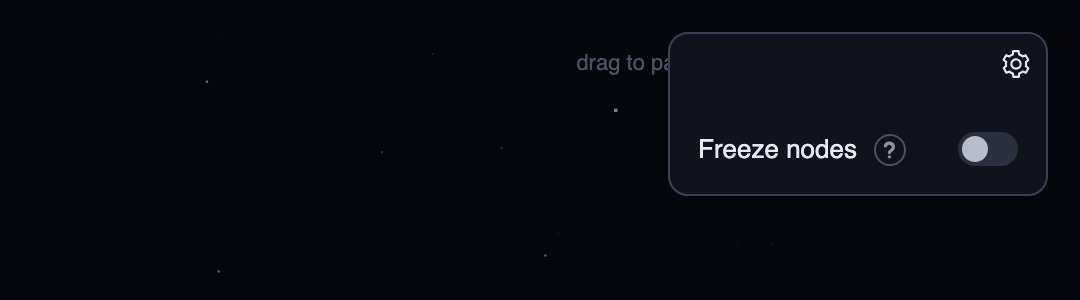
Each setting has a small ? next to its name.
Hover or focus it for a note on what the setting does.
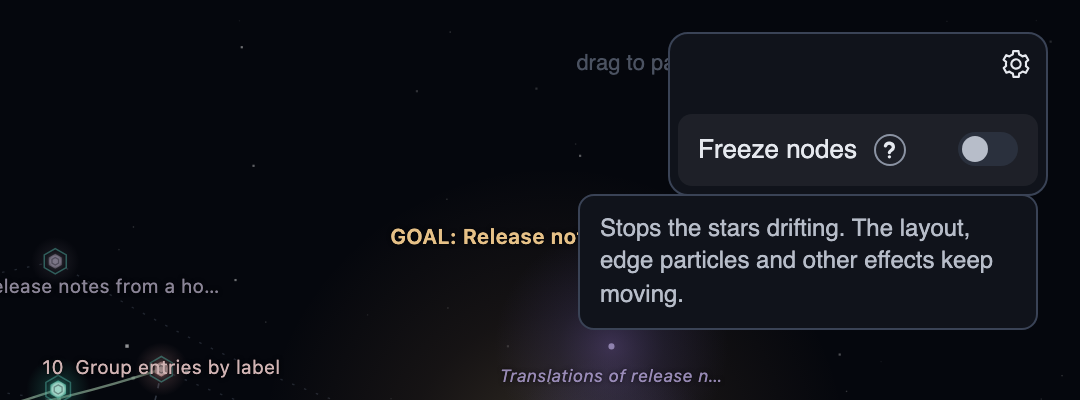
Freeze nodes
Stars drift by a couple of pixels so the map feels alive, which some people find distracting. This switch stops that drift.
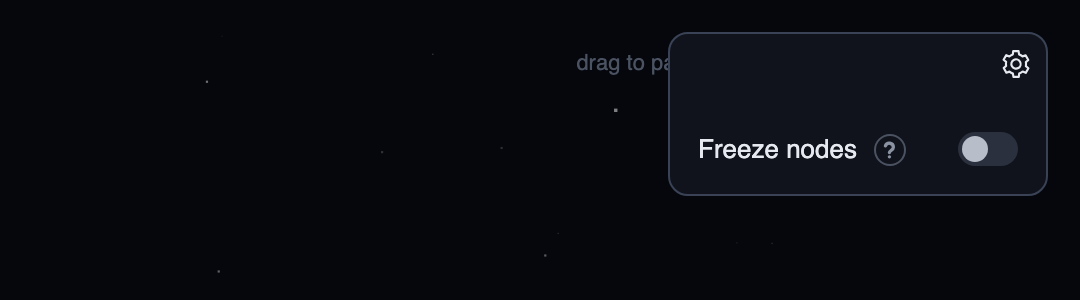
Freezing only removes the idle drift. The layout is unchanged, and everything else keeps moving: flow particles on edges, the frontier pulse, claimed rings, the undermined halo, status flares, grow-in and the glide to new positions after a live update.
gh account
The default gh account for pull and Open from GitHub.
Leave it empty to use the active gh account.
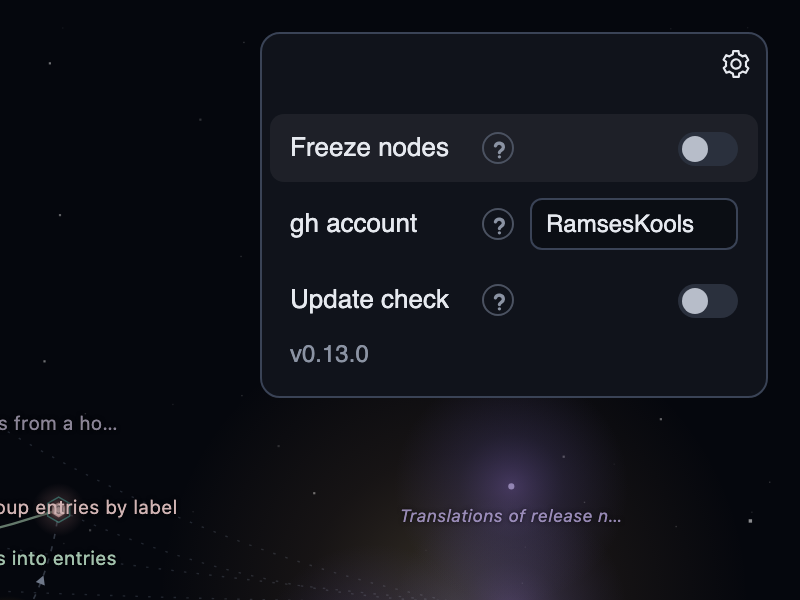
It is saved when you leave the field or press Enter, and a name that is not a GitHub login turns the field red and is not saved.
--account, the account stored in a pulled map and the WAYFINDER_GH_ACCOUNT environment variable all beat it, see Configuration.
Update check
The switch turns the outdated notice on or off, for the CLI and the viewer alike. Below it the menu shows the running version and the latest release, plus the update command when you are behind.
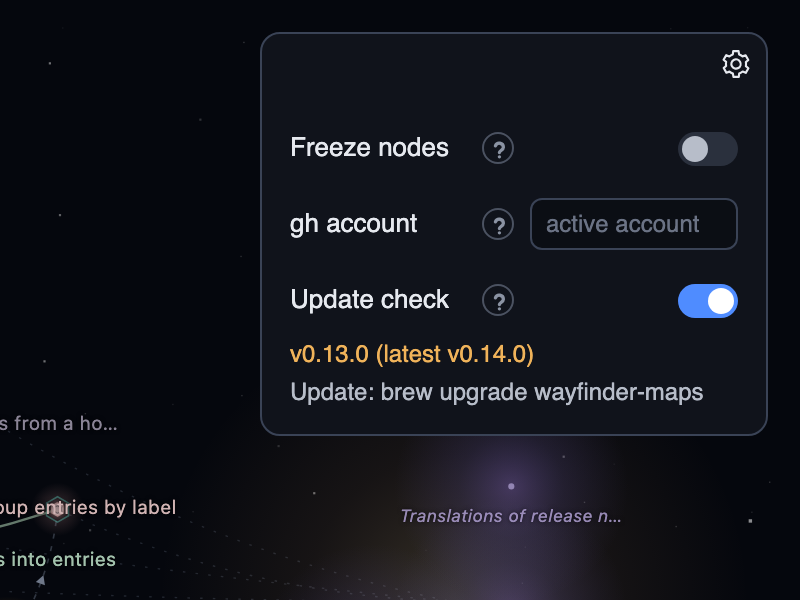
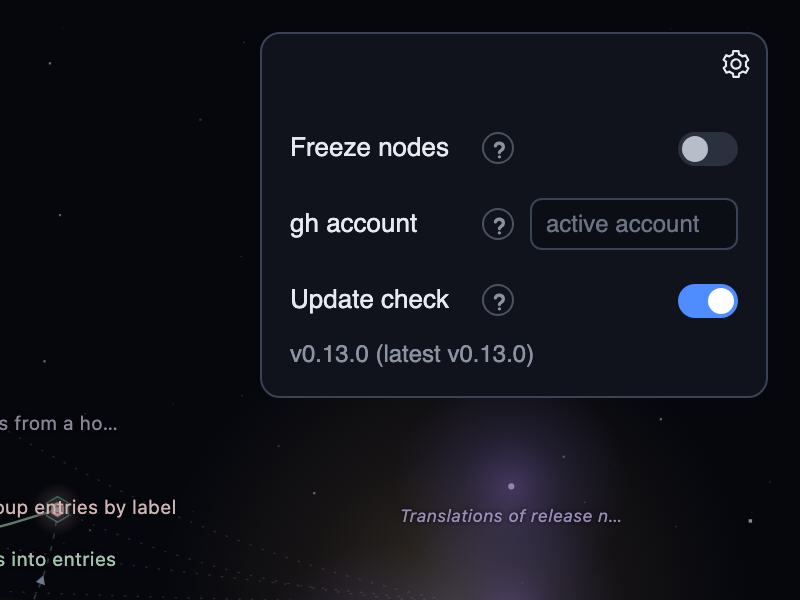
With the check off, the menu shows only the running version.
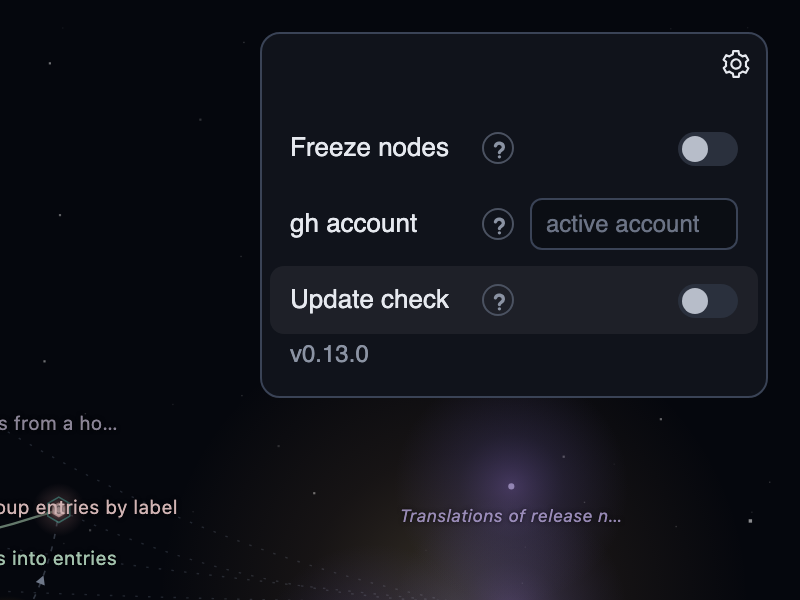
The latest version comes from the server's cached lookup, so opening the menu, flipping the switch or reloading the page makes no new request to GitHub.
Where settings are saved
Settings live in settings.json in the wayfinder-maps folder of your user config directory (on macOS, ~/Library/Application Support/wayfinder-maps/), next to recents.json.
They are kept in a file rather than the browser because app mode picks a random port, which would look like a new site every time.
A missing or invalid file falls back to the defaults.
The compass direction is saved there too, but is set from the compass on the map, not from this menu.
{
  "direction": "E",
  "freezeNodes": false,
  "updateCheck": true,
  "ghAccount": ""
}
The Configuration page lists every key and environment variable.