Open a map from GitHub
A map kept as GitHub issues opens straight from the splash, with no pull first.
It needs the GitHub CLI, logged in.
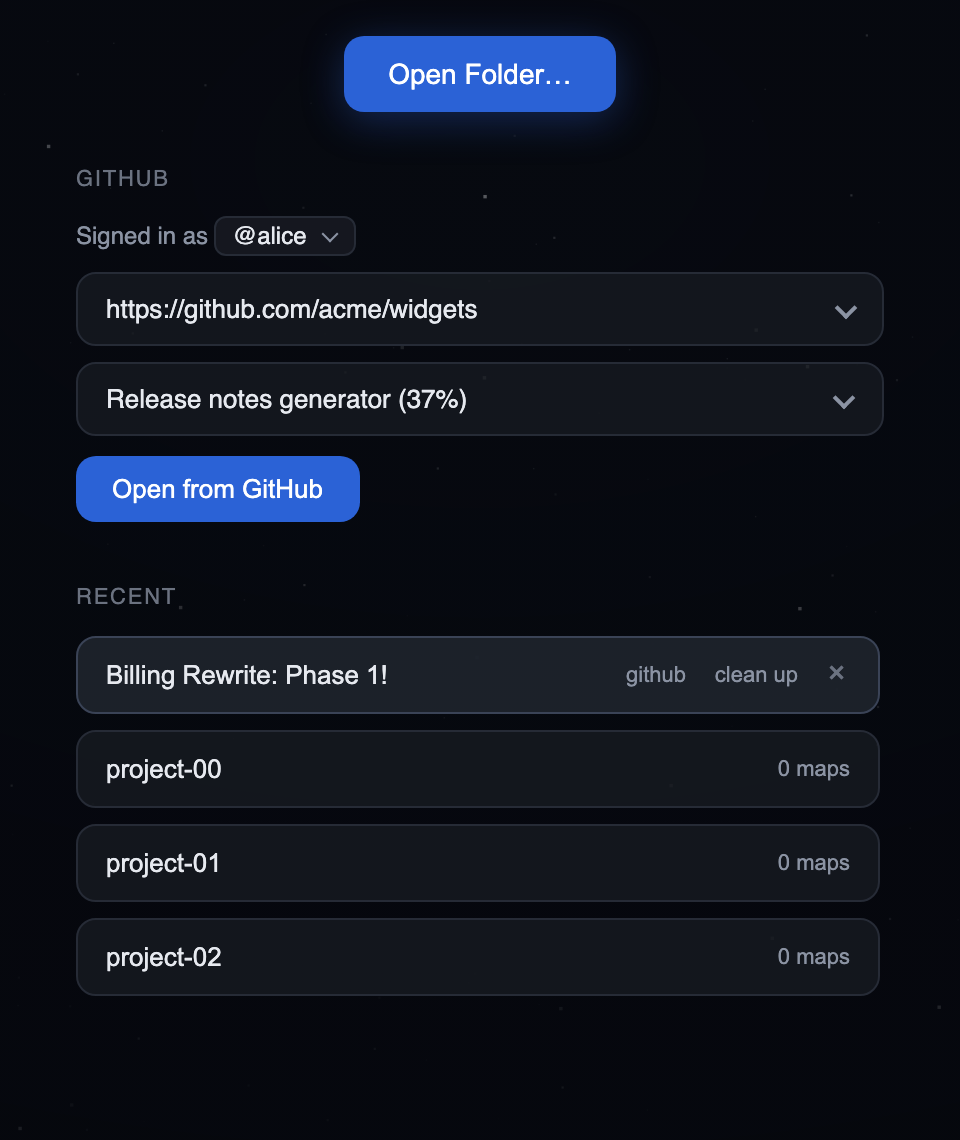
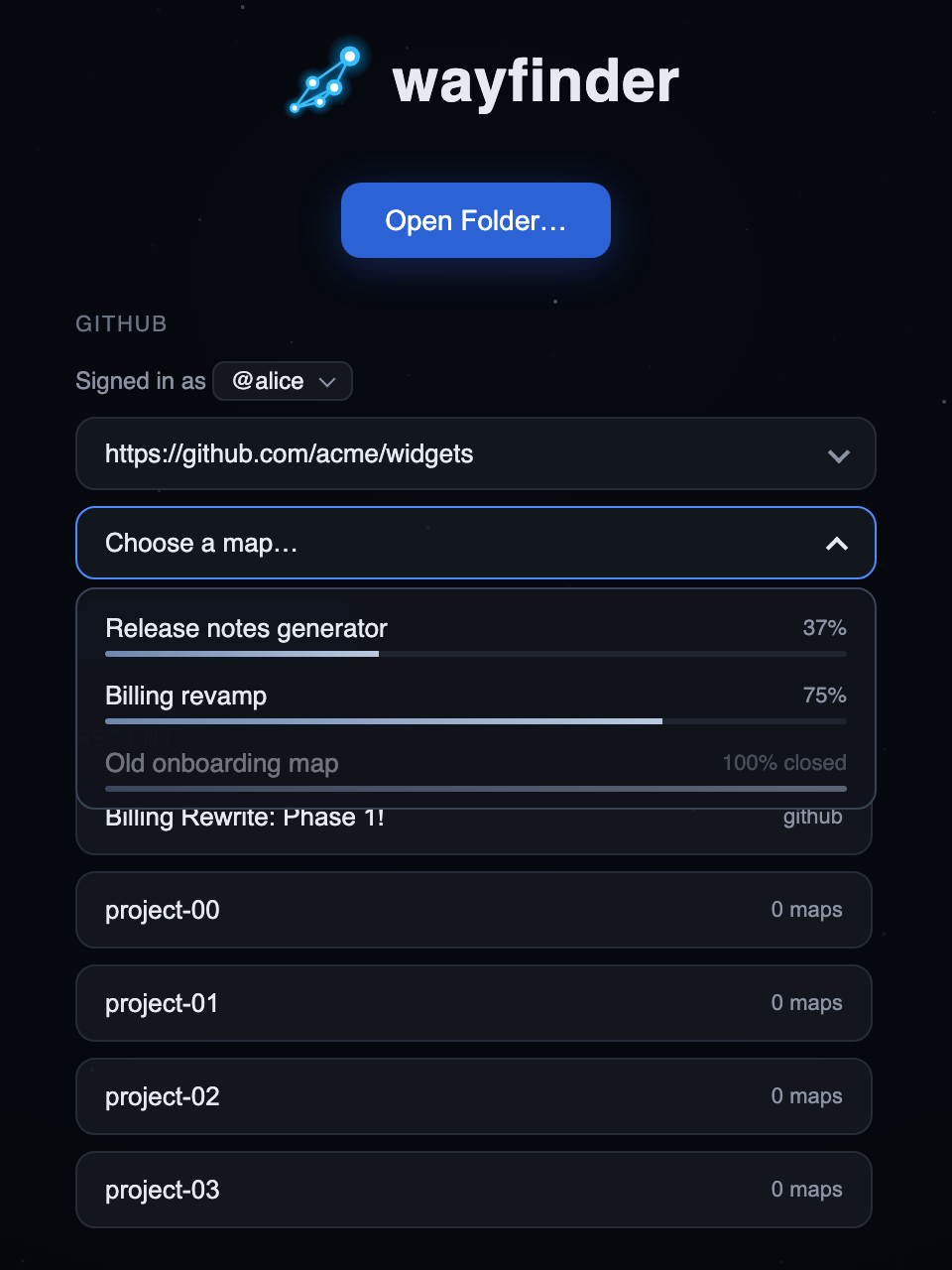
- The splash shows the
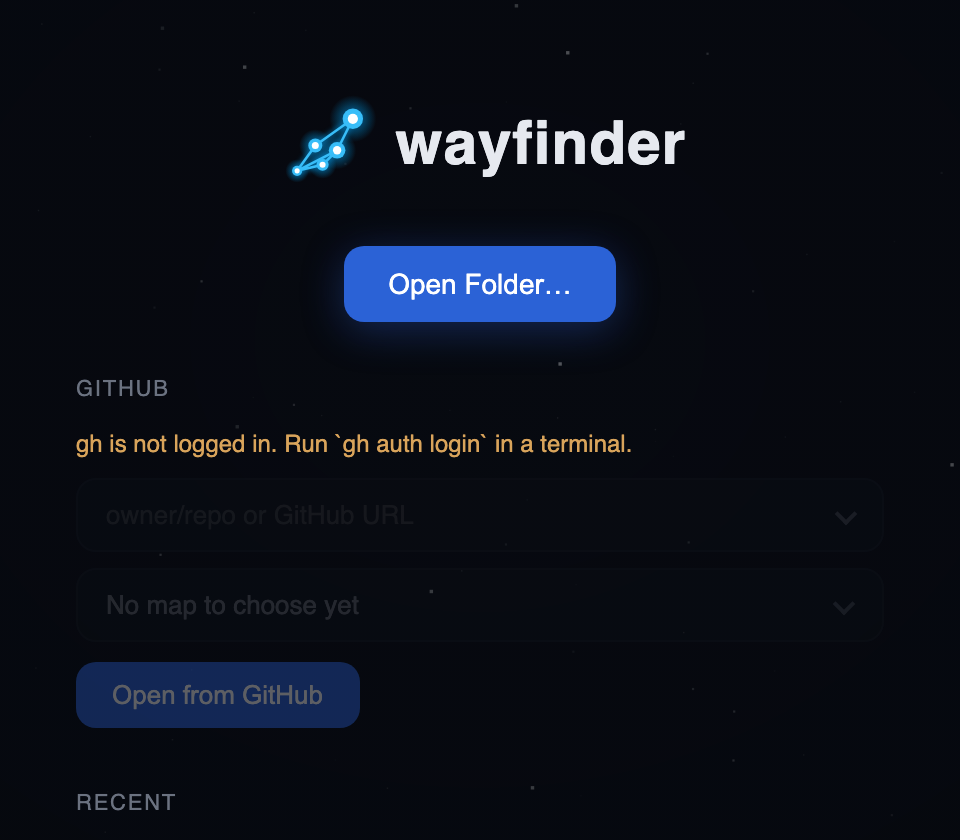
ghaccount in use, with a dropdown (the viewer's own, so it looks the same everywhere) to switch when several are logged in. Withoutgh, or without a login, it shows a hint (install it, or rungh auth login) and dims and disables the button. - Paste
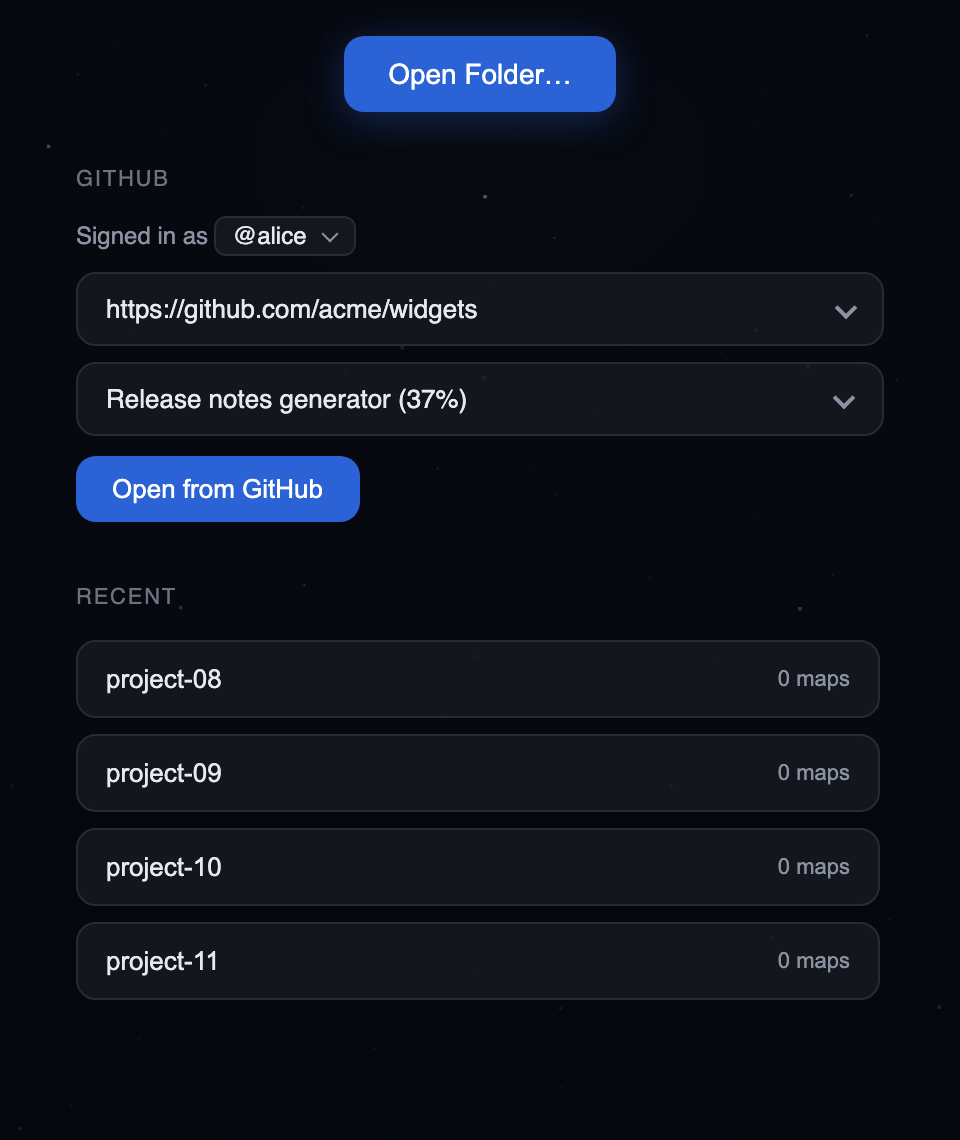
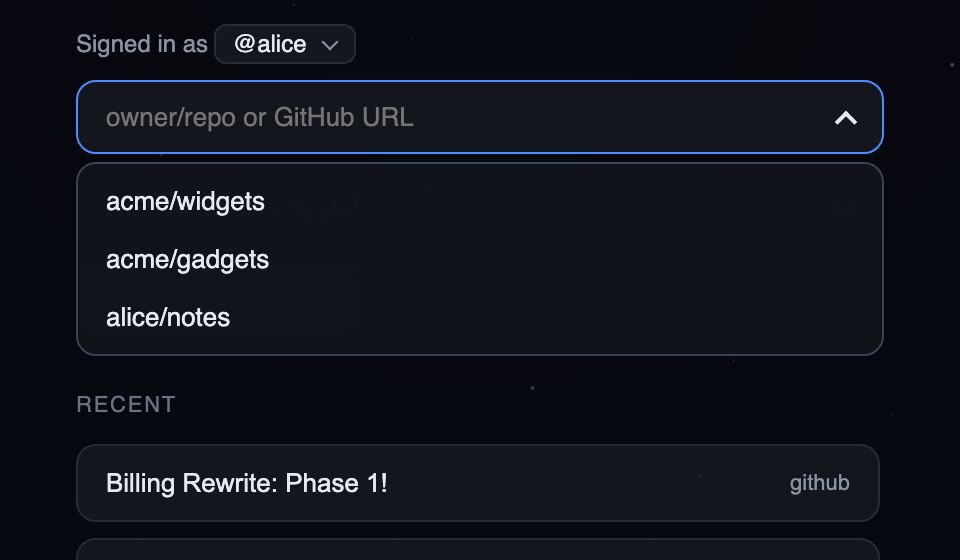
owner/repoor a GitHub URL into the repo box, or pick from its dropdown: the 10 repos you were most recently active in (pushes, PRs, issues, comments; stars do not count), plus repos you opened from GitHub before. - The repo is scanned for maps, which are issues with sub-issues where a child carries a
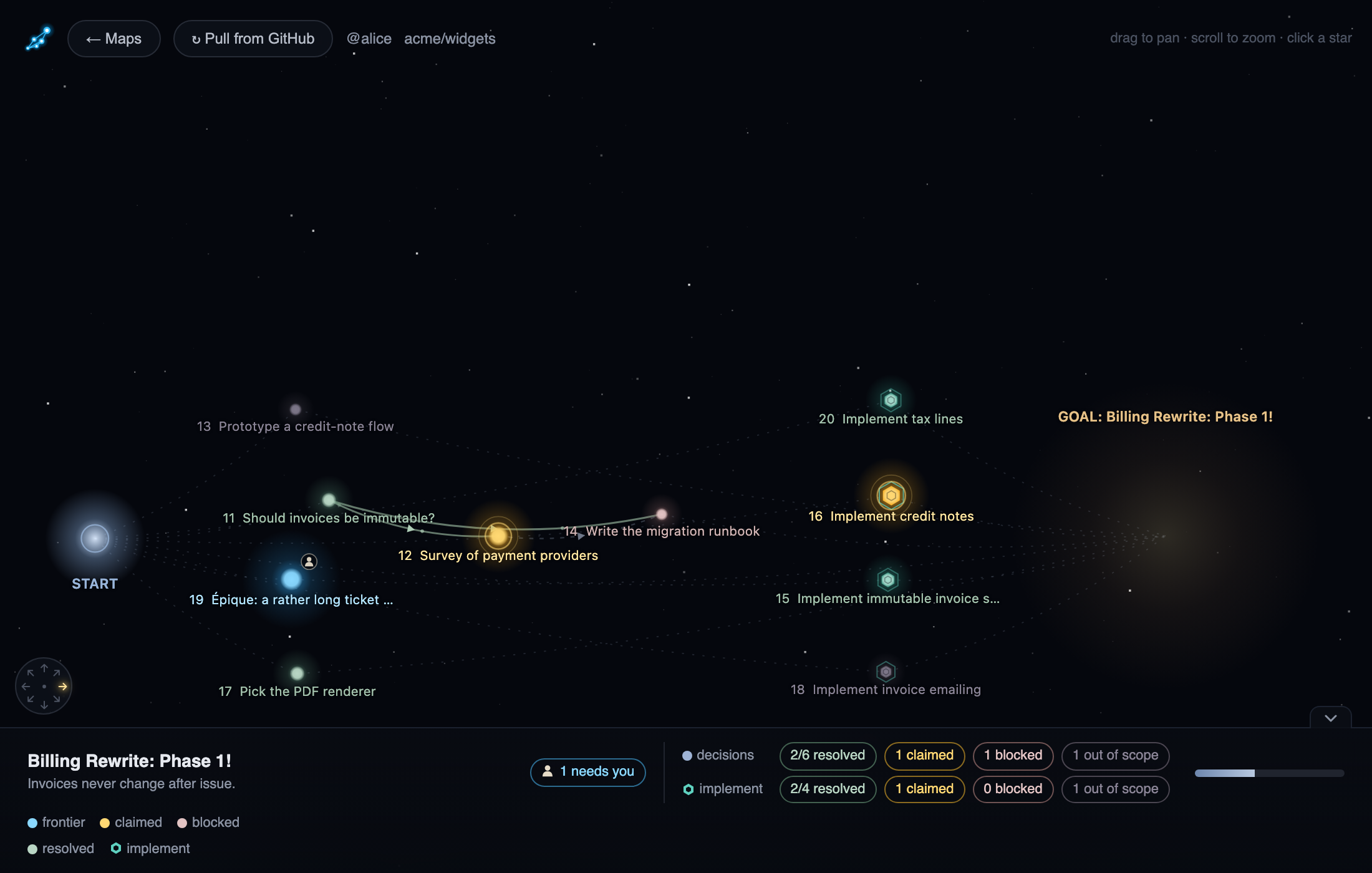
wayfinder:<type>label. Each map shows its percent completed, and closed maps are dimmed. The scan reads the 100 most recently updated issues of the repo. Open from GitHubpulls the map with the usual progress into<user cache dir>/wayfinder-maps/github/<owner>-<repo>/<slug>, then opens it and lists it under Recent. A map already in the cache opens at once instead, and the viewer starts the same refresh as theRefresh from GitHubbutton, so you see the spinner andN/M itemsin the top bar while it updates.
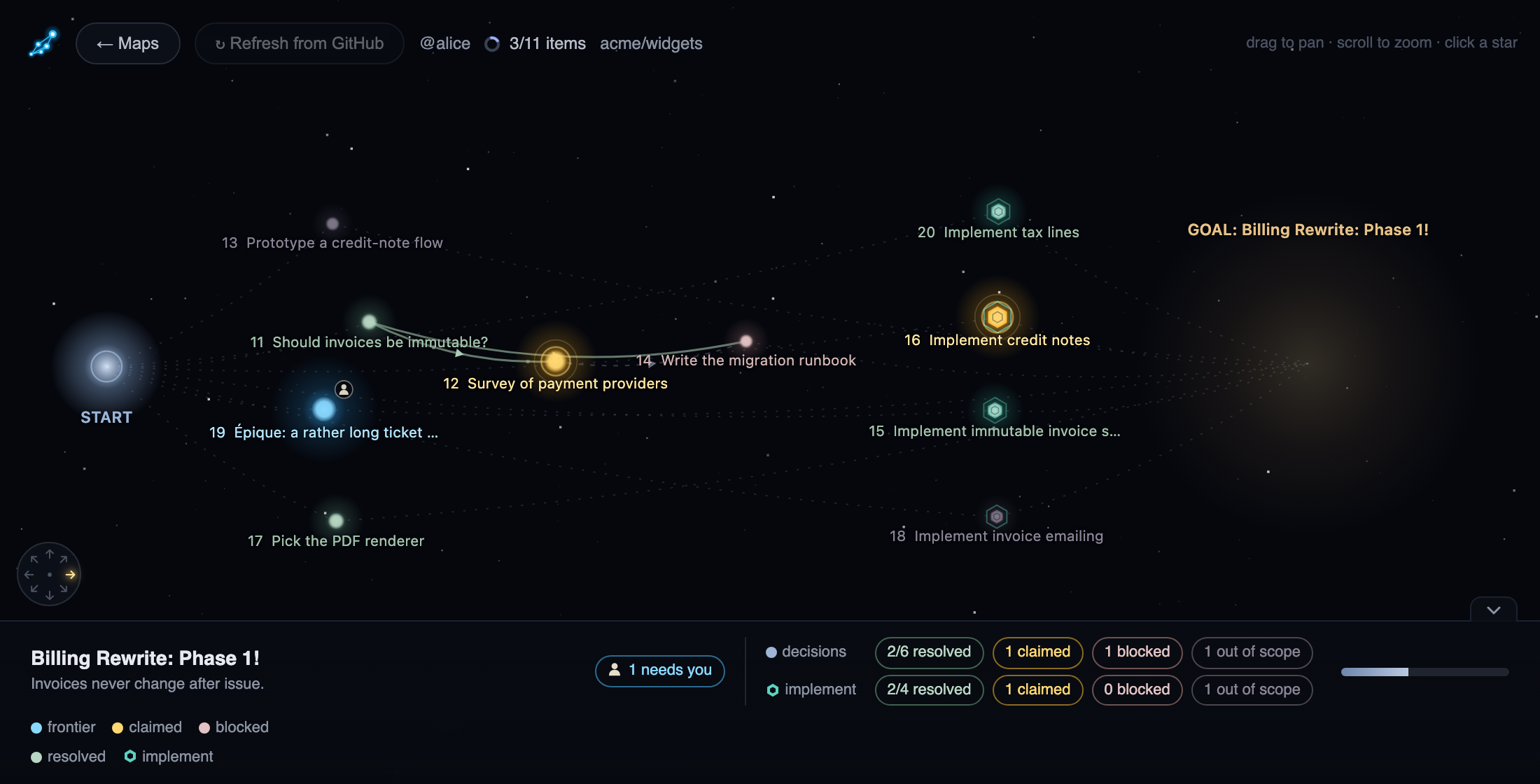
The copy is a read-only mirror: nothing is written back to GitHub, and the Refresh from GitHub button refreshes it.
Cached maps carry a clean up button in Recent, next to the x that only forgets the entry.